
From Simple Ideas to Hyper-Realistic Art
In the rapidly evolving world of Artificial Intelligence, the difference between a mediocre image and a digital masterpiece lies in one specific skill: Prompt Engineering. Many users begin their journey by typing simple, vague words, but to truly unlock the professional potential of engines like Midjourney, DALL-E, or Stable Diffusion, a structured and technical approach is mandatory.
1. The Anatomy of a Professional Prompt
A high-quality prompt is far more than a simple description; it is a complex set of instructions that the AI interprets through layers of neural networks. To achieve true hyper-realism, you must move beyond generic adjectives and provide concrete data to the machine.
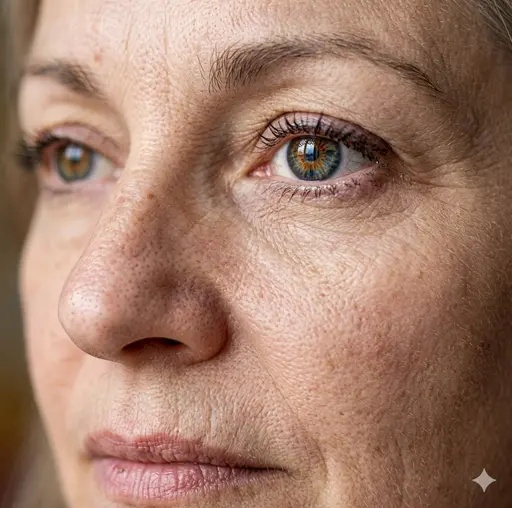
Example of high-detail texture rendering using technical descriptors.
To master the structure, we recommend following this expert formula used at FactorPrompt:
- Specific Subject: Precision is key. Instead of “a man,” try “An elderly fisherman with weathered skin and a salt-and-pepper beard.”
- Atmospheric Environment: Define the setting. Is it a misty morning in a Nordic harbor or a high-tech laboratory with sterile white surfaces?
- Compositional Framing: Tell the AI where to put the camera. Use terms like “Extreme close-up,” “Low angle shot,” or “Wide-angle lens.”
- Technical Metadata: Mention specific resolutions and rendering engines such as “8k resolution,” “Unreal Engine 5 render,” or “HDR tone mapping.”
2. The Power of Technical Keywords
One of the biggest hurdles for beginners is the “plastic look”—images that look too smooth or artificial. To overcome this, you must use photography-based terms that describe optical behavior and physics. By speaking the language of a photographer, you force the AI to simulate real-world light and texture.
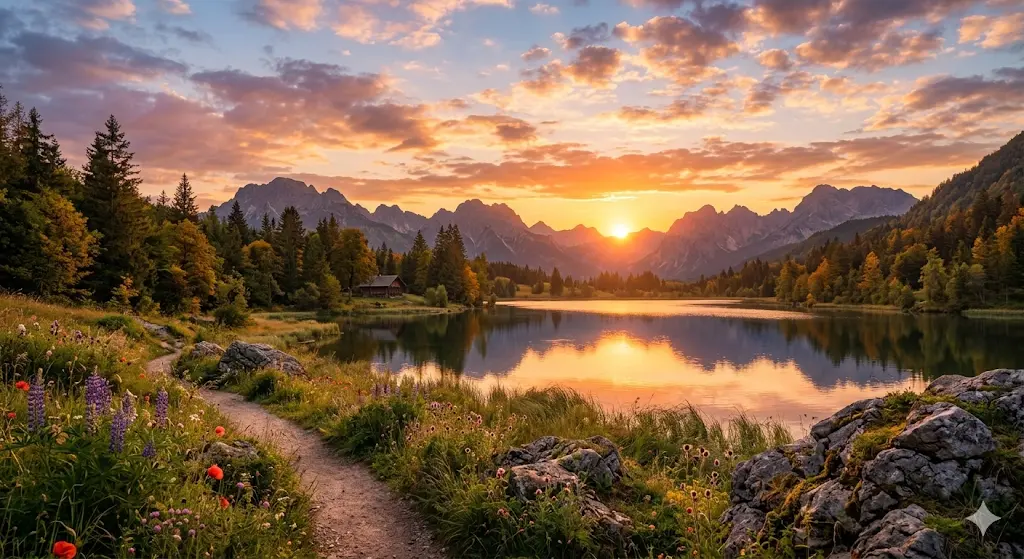
- Depth of Field: Using parameters like “f/1.8 aperture” or “shallow depth of field” creates a professional bokeh effect, making your subject pop while softly blurring the background.
- Surface Texture: Keywords like “micro-pores,” “fabric weave,” or “ray-traced reflections” provide the granular detail necessary for professional-grade visuals.
- Global Illumination: This ensures that light bounces naturally off surfaces, creating realistic shadows and highlights that mimic a real-world studio setup.
Pro Tip: Always specify the lighting direction. Terms like “Rim lighting,” “Volumetric god rays,” or “Chiaroscuro” add a dramatic, professional cinematic feel that separates amateur work from expert results.
3. Iteration and Refinement Process
Prompt engineering is rarely a “one-shot” success; it is a process of trial and error. We recommend a “layered” approach: start with the core subject, analyze the result, and then add modifiers to fix specific issues. If the first result is too bright, refine it by adding “muted colors” or “low-key lighting” to your next iteration.
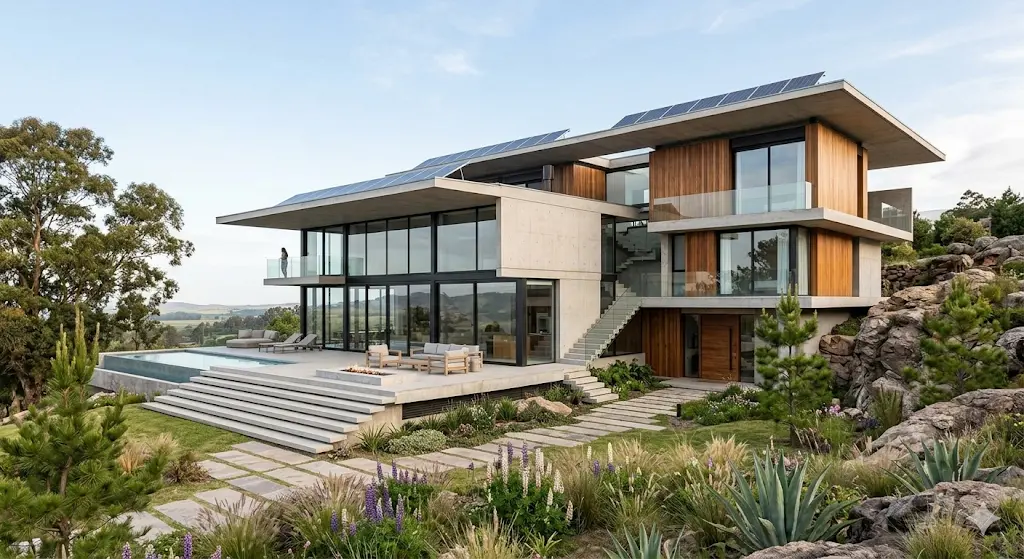
Remember that the order of words matters significantly. Most AI models give more weight to the tokens at the beginning of the prompt. If your background is overshadowing your subject, move the subject’s description to the very front of the text string to re-center the AI’s focus.
Conclusion: Elevating Your Creative Workflow
By mastering these advanced techniques, you transform the AI from a simple novelty generator into a precise tool for professional digital art, marketing, and architectural visualization. The goal is to gain total control over the output, ensuring every pixel aligns with your creative vision.
At FactorPrompt, we are constantly testing new combinations to bring you the best resources. We invite you to explore our specialized categories and see these principles in action to elevate your creative workflow!