
Negative Prompts: Cleaning and Refining Your AI Renders
In prompt engineering, what you leave out is often as important as what you include. Negative Prompting is the art of defining the boundaries for the AI, instructing the neural network to avoid specific artifacts, styles, or anatomical errors. At FactorPrompt, we consider this the final step in achieving professional, gallery-quality results.
1. The Science of Exclusion: How It Works
Every AI model has a “latent space” full of noise. A positive prompt pulls features out of that noise, while a negative prompt pushes unwanted features away. By using a negative prompt, you are essentially narrowing the focus of the AI, forcing it to allocate more “computational attention” to the desired elements of your image.
- Common Global Negatives: Use terms like “Blurry,” “Low resolution,” “Draft,” and “Grainy” to ensure technical clarity.
- Aesthetic Control: If you want a realistic photo, add “CGI,” “Illustration,” “Cartoon,” and “3D render” to the negative field to strip away the synthetic look.
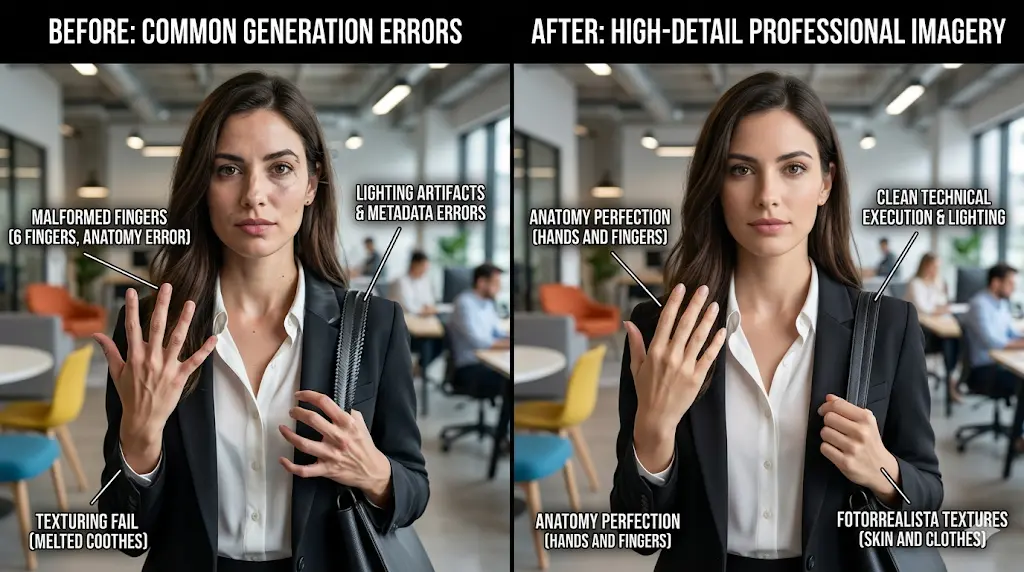
2. Fixing Anatomical Artifacts
One of the biggest challenges in AI art is the generation of hands, limbs, and facial symmetry. Negative prompts are your first line of defense against these glitches. Technical keywords such as “Extra fingers,” “Deformed limbs,” “Fused fingers,” and “Asymmetric eyes” help the model stay within the bounds of realistic human anatomy.
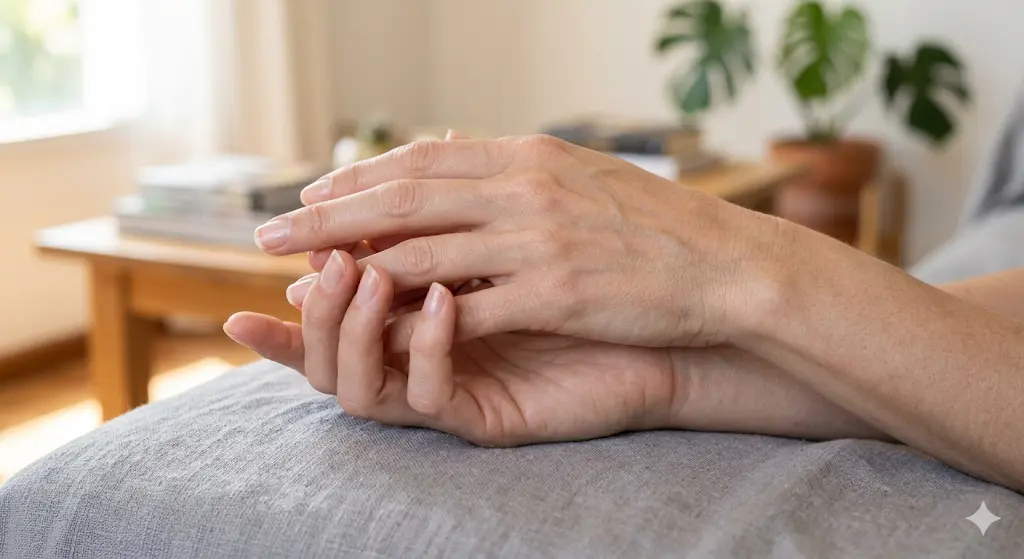
3. Managing Lighting and Color Noise
Sometimes the AI adds unwanted lighting effects like lens flares or strange color tints. To maintain total control over your palette, you can negate specific colors or lighting conditions. Using “Overexposed,” “Underexposed,” “Muddied colors,” or “High ambient light” in the negative prompt allows you to sculpt the atmosphere with surgical precision.
4. The “Master List” for Professional Outputs
For consistent professional work, we recommend having a “Universal Negative Prompt” saved in your workflow. This list usually includes technical descriptors like: “Watermark, text, signature, low quality, worst quality, cropped, jpeg artifacts, ugly, duplicate, morbid, mutilated.” This baseline ensures that even your experimental generations maintain a minimum standard of quality.

Mastering the negative prompt is what separates an amateur user from a professional prompt engineer. It is the filter that ensures your creative vision is never overshadowed by technical limitations. Explore our advanced refinement techniques at FactorPrompt and take your art to the next level!